A quick disclosure first: this article is published by Fixpenses, and Fixpenses is one of the apps below. We've tried to be fair, which means saying where other apps are a better fit. If an app suits you better than ours, use it. Tracking your spending with anything beats not tracking it at all.
Choosing an expense tracker app in the UAE is harder than it looks. Most popular budgeting apps were built for the US or Europe. They assume your bank connects automatically, that you pay rent monthly, and that "installment" means a car loan. UAE life works differently. Your money is often spread across two or three banks, rent goes out by cheque, and a fair share of spending runs through 0% plans and buy-now-pay-later apps.
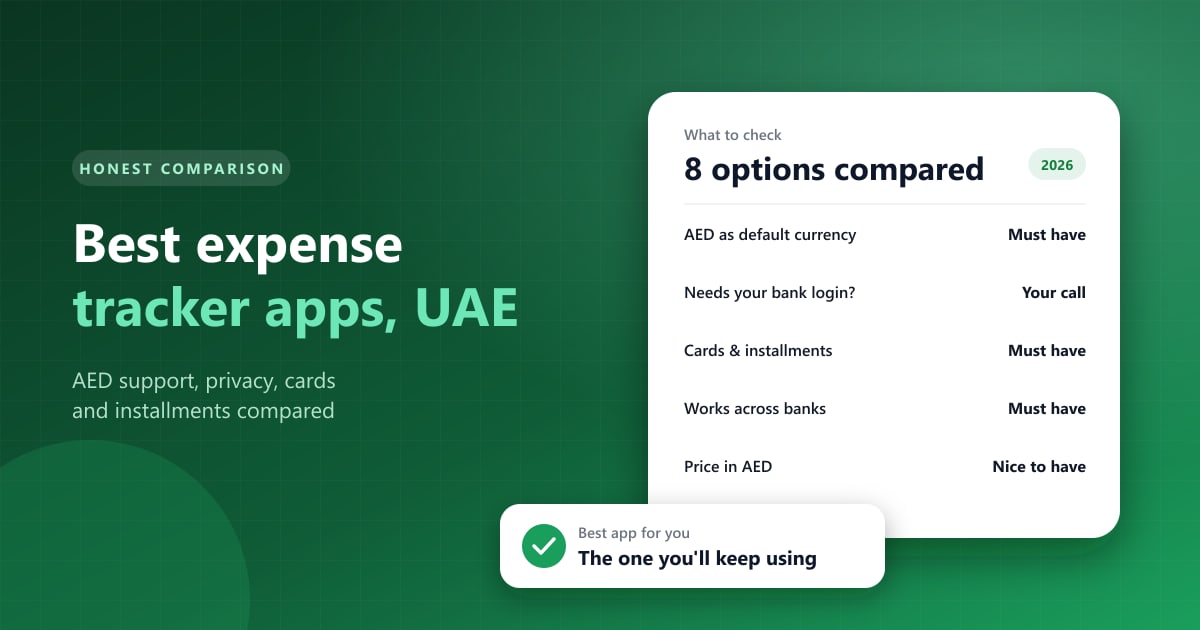
This guide compares the main options by what matters here: AED support, how transactions get in, privacy, handling of credit cards and installments, and price.
Picture a couple in Abu Dhabi who decide in January to finally track their spending. They start with a shared spreadsheet. By the second week, the husband's card and the wife's Tabby purchases are both missing, because nobody wanted to type them in after work. They switch to a popular app with bank sync, find that one of their two banks isn't supported, and end up with half their spending tracked automatically and the other half not at all. By March they've given up. They still care about their money, but neither tool fit the way it moves. That's the problem worth solving before you pick an app.
What to look for in a UAE expense tracker
Before comparing apps, it helps to decide what you need. These are the questions that separate a good fit from an app you'll abandon in three weeks.
Does it handle AED properly? Almost every app lets you pick AED as a currency. What matters is whether AED is the default everywhere, and whether it handles a second currency if you earn or send money in one.
How do transactions get in? There are three approaches. Bank sync connects to your bank and pulls transactions automatically, but coverage of UAE banks varies widely between apps. SMS or notification reading scans the alerts your bank sends. Manual entry means you log each expense yourself.
Are you comfortable sharing your bank login? Bank sync usually requires granting access to your online banking. Some people are fine with that. Others would rather not.
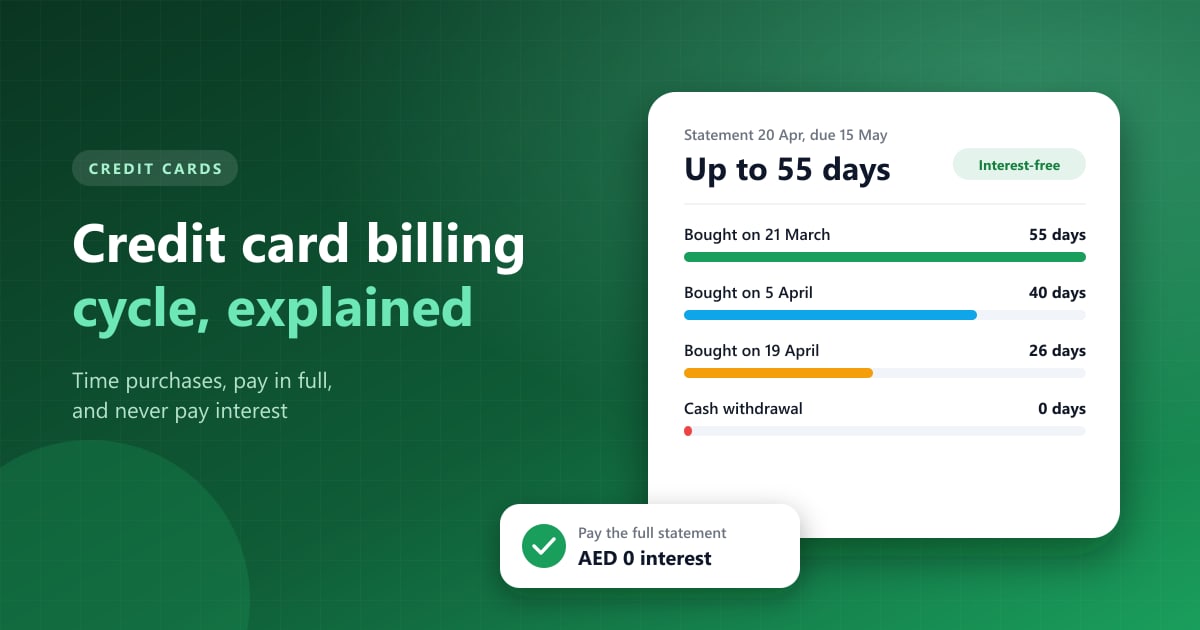
Does it understand credit cards and installments? If you use cards heavily, you want to see what's owed on each card, when it's due, and what's left on every installment plan.
Will you keep using it? The best app is the one you open every week. A simple app you use beats a powerful one you don't.
The apps compared
Fixpenses
Fixpenses is built specifically for UAE residents. AED is the default, and it's designed around how money works here: multiple bank accounts, credit card statements and due dates, installment plans, category budgets and savings goals.
It uses manual entry by design and never asks for your online banking login. That's a real advantage for privacy and a real disadvantage if you want transactions to appear on their own. You'll need to log spending yourself, which takes a few seconds per transaction but does require the habit.
It suits people who want an app that understands UAE credit cards and installments and would rather not share bank logins. If you want transactions to appear with no input from you, look elsewhere. There's a free plan, plus paid Pro and Premium plans priced in AED (current pricing).
YNAB (You Need A Budget)
YNAB is less an expense tracker and more a budgeting method with an app attached. You give every dirham a job before you spend it, which suits people who want to change their habits, not just record them. It has a steep learning curve but a very loyal following.
YNAB's bank import covers banks in the US, Canada and a set of European countries, so most UAE users will enter transactions manually or import them. It also isn't cheap: US$14.99 a month or US$109 a year, with a 34-day free trial. One subscription covers up to six people sharing a budget.
Pick YNAB if you want a strict zero-based system and don't mind paying for it. Skip it if you only want a simple tracker.
Spendee
Spendee is known for clean visuals and shared wallets, which make it popular with couples and flatmates splitting rent and groceries. It supports multiple currencies and offers bank connections in some countries, though UAE coverage depends on your bank. There's a free version with paid tiers for extra features.
It works well for couples and housemates tracking shared costs, less well if you need detail on credit card cycles and installments.
Wallet by BudgetBakers
Wallet is a feature-rich tracker with budgets, planned payments, multi-currency support and reports. It offers bank sync in many countries, and many users combine it with manual entry. The free version covers the basics, with a paid version for more accounts and features.
If you like detailed reports and plenty of settings, Wallet is a strong choice. If you want something simple, the number of options can feel like a lot at first.
Simple manual loggers (Money Manager, Monefy and similar)
Apps like Money Manager and Monefy are fast, lightweight loggers. You tap a category, enter an amount, and you're done. Most let you set AED as your currency and have free versions.
They're the quickest way to log cash and card spending, but that's about all they do. Credit card cycles, installments and savings goals get little or no support.
SMS and notification-reading apps
A newer group of apps reads your bank's SMS alerts or app notifications to log transactions automatically, without connecting to your bank directly. This can work well in the UAE, where banks send an SMS for almost every transaction.
You get automatic tracking without handing over a bank login. The trade-off is giving an app access to your messages or notifications, so check what it stores, and where, before you install one.
Your bank's own app
Many UAE banks now show some spending insights inside their apps, such as category breakdowns or monthly summaries.
That's useful if nearly all your money sits with one bank. Most UAE residents have accounts or cards at two or three, though, and each bank only sees its own slice.
A spreadsheet
Google Sheets or Excel is free, fully flexible and completely private. It's how many people start, and some never leave.
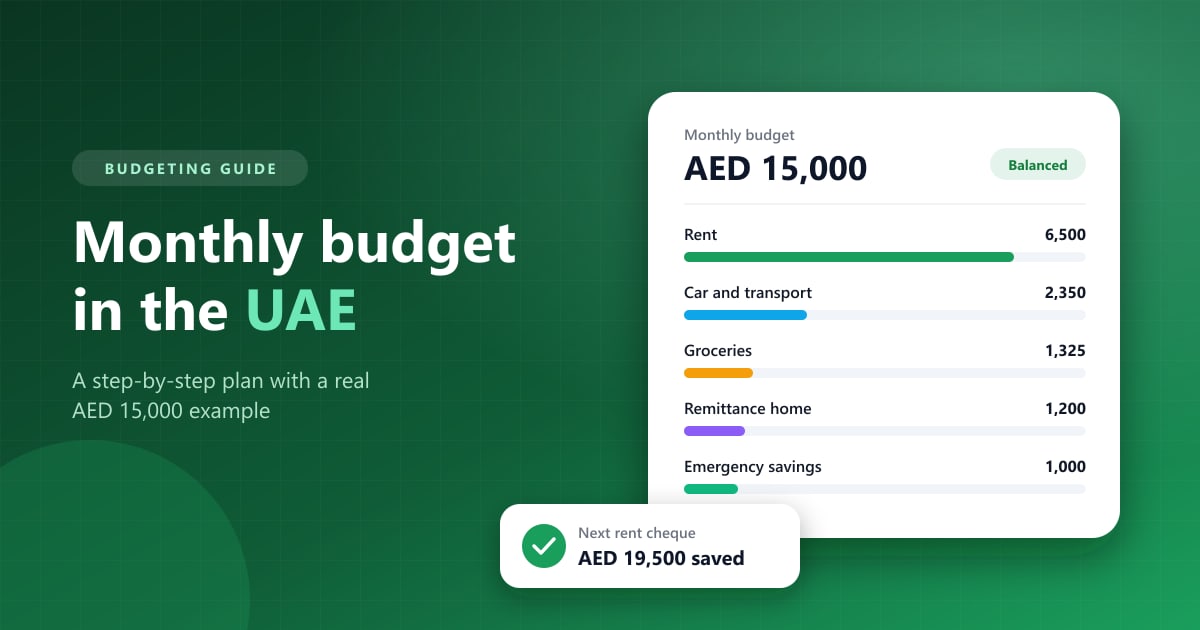
If you enjoy spreadsheets and will update one every week, it's hard to beat. Most people stop by March, because nothing reminds them to. For a simple way to set one up, see how to create a monthly budget in the UAE.
Quick comparison
| App | How transactions get in | Needs bank login | Credit cards and installments | Price |
|---|---|---|---|---|
| Fixpenses | Manual | No | Built in | Free plan, paid plans in AED |
| YNAB | Bank sync (limited in UAE), import or manual | For sync | Basic | US$14.99/month or US$109/year |
| Spendee | Bank sync in some countries, or manual | For sync | Basic | Free, paid tiers |
| Wallet by BudgetBakers | Bank sync in many countries, or manual | For sync | Planned payments | Free, paid tiers |
| Money Manager, Monefy | Manual | No | Minimal | Free, paid options |
| SMS/notification readers | Automatic from alerts | No | Varies | Varies |
| Bank app insights | Automatic, one bank only | Already logged in | That bank only | Free |
| Spreadsheet | Manual | No | Whatever you build | Free |
Prices and features change often, so check the app store listing before you commit to a paid plan.
Which one should you pick?
If you have cards and installment plans across several banks, pick an app that tracks card statements and plans in one place. This is where Fixpenses is strongest, and where general-purpose apps tend to be thin. Installments pile up fast in the UAE, as our guide to 0% installment plans explains.
If you want to overhaul your budgeting habits, YNAB's method is excellent, provided you're happy with the price and entering transactions yourself.
If you share expenses with a partner or flatmates, Spendee's shared wallets make that easy.
If you want it fully automatic, look at SMS-reading apps or bank sync, and check that your specific UAE bank is supported before paying.
If you just want to start today, use your bank's app for a week to see where your money goes, then pick a proper tracker once you know what you need.
Questions to ask before you pay for an app
Free trials make it easy to sign up and forget. Before a trial turns into a subscription, check these:
- Does it support my banks? If you're paying for bank sync, confirm your specific UAE bank is listed and connects reliably. Reviews from UAE users in the app store are the quickest way to find out.
- What is the price in AED? Apps priced in US dollars are charged to your card in dollars, often with a foreign transaction fee on top. That can add a few percent to the real price.
- Can I export my data? If you switch apps later, you'll want your history. Look for a CSV export.
- Where is my data stored? Check the privacy policy for what the app collects, especially for apps that read SMS or connect to banks.
- Does the free plan do what I need? Many people pay for features they never use. Start free and upgrade only when you hit a real limit.
Switching apps without losing your history
If you're moving from a spreadsheet or another app, you don't need to bring years of data with you. Export what you have to CSV for your records, then start fresh in the new app from the first of the month.
The first month is what matters. Enter your opening balances for each account and card, set up your recurring bills and installment plans, and log every expense from day one. After 30 days you'll have a clean baseline to budget against, which is more useful than a messy import of old transactions.
How to make any app stick
The app matters less than the habit. A few things make the difference:
- Log spending the same day. Waiting until the weekend means forgetting half of it.
- Keep categories few. Eight to twelve categories is plenty. Forty categories means you'll stop bothering.
- Review once a week. Ten minutes every Friday tells you more than a big review once a month.
- Set one or two limits. Pick the categories where you overspend, such as food delivery, and set a monthly limit there first.
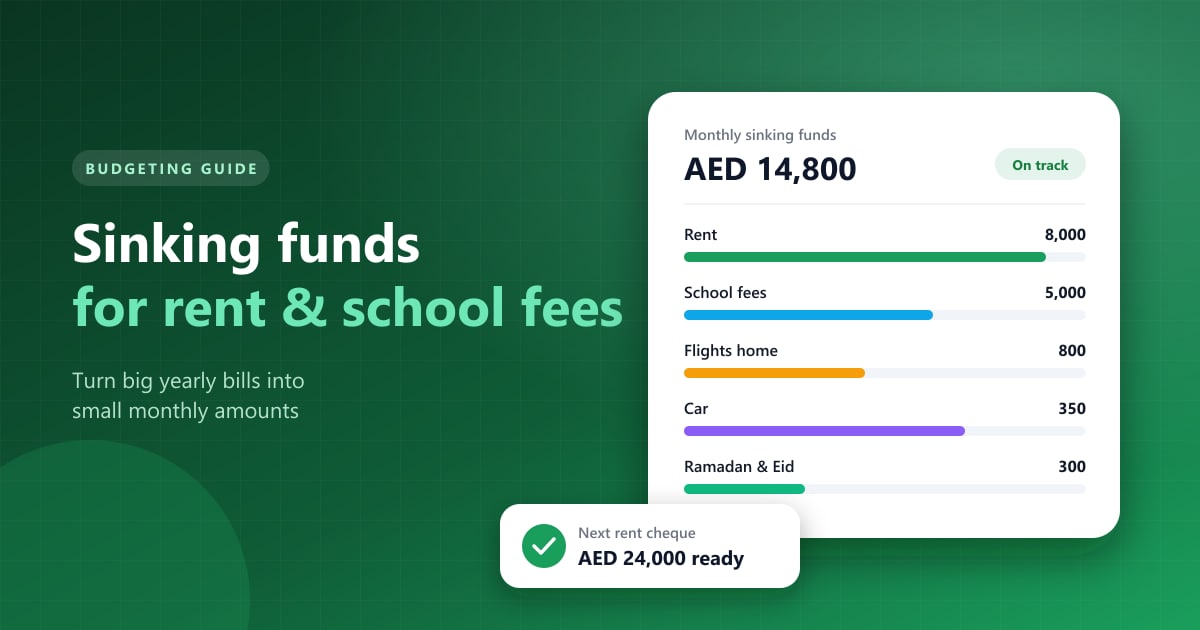
- Track big annual costs separately. Rent cheques and school fees need sinking funds, not a monthly category.
Frequently asked questions
Is there a budgeting app that connects to UAE banks?
Some apps offer bank sync with certain UAE banks, but coverage varies by app and by bank, and it changes over time. Check the app's list of supported banks for your specific bank before subscribing.
Are expense tracker apps safe to use?
Reputable apps encrypt your data, but the safest option is one that doesn't need your bank login at all. If you do connect a bank, use apps that access your account through read-only connections and never share your online banking password directly.
What's the best free expense tracker in the UAE?
Several apps have useful free plans, including Fixpenses, Spendee, Wallet and simple loggers like Monefy. The best free option is the one whose free plan covers what you need.
Do I need an app, or is a spreadsheet enough?
A spreadsheet works if you'll update it every week. Most people find an app easier to keep up because it's on their phone and takes seconds to log a purchase.
The bottom line
No single expense tracker app is best for everyone in the UAE. The right one depends on how you spend. If your money runs through several banks, cards and installment plans, choose something that understands them. If you want automatic tracking, check bank support first. If privacy matters most, choose an app that never asks for your bank login.
Pick one this week, log every expense for 30 days, and then decide whether to keep it. Thirty days of real data will tell you more about your money than any comparison article.